
You Don’t Have a Studying Problem, You Have an Organization Problem—Here’s What to Do About It
- Advertisement -
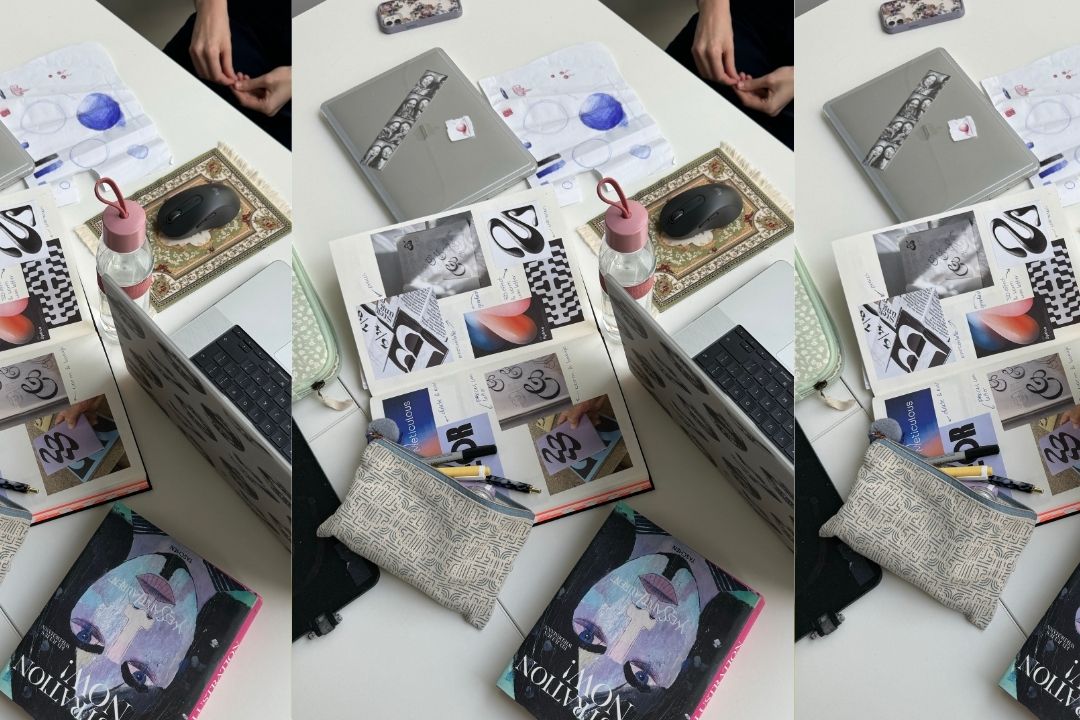
Source: Liza Duymelinck | Dupe
Two weeks before finals. Your notes are in four different places, screenshots are buried in your camera roll, and at least three group chats are blowing up with some variation of “Wait, what’s on the exam?” You’re running on 200mg of caffeine and convincing yourself that this is the week you’ll finally get it together—but every time you sit down to study, you don’t know where to start.
That was me for all four years of college. And if you have ADHD (or a chaotic relationship with organization), you know how hard it is to start a task when you can’t visualize the first step.
Here’s what I wish someone had told me sooner: It’s not that you’re bad at studying—you just don’t have a system that works. So, imagine if there were a study system that just told you what to do and when to do it at the touch of your fingers—that’s what Student Spaces in Adobe Acrobat is.
This Adobe Student Spaces review is my honest breakdown of what it does, why it works, and whether it’s worth adding to your routine before finals hit.
In this article 1 What is Adobe Student Spaces? 2 How to set it up (it takes, like, five minutes) 3 The features that do the heavy lifting 4 TL;DR: Is it actually worth using?
What is Adobe Student Spaces?
Student Spaces is a free study organization app that takes all your existing materials and turns them into an actual, usable study plan with a couple of taps. You create separate spaces for each class, upload your notes (lecture slides, transcripts, textbook pages—whatever you have), and it transforms them into things like flashcards, quizzes, study guides, and even podcast-style audio summaries. There’s also a mind mapping feature if you’re more of a visual learner, plus the option to collaborate with classmates inside the same space.
And yes—it’s free, which feels important to say out loud. Textbook prices are already criminal, so they got you covered.
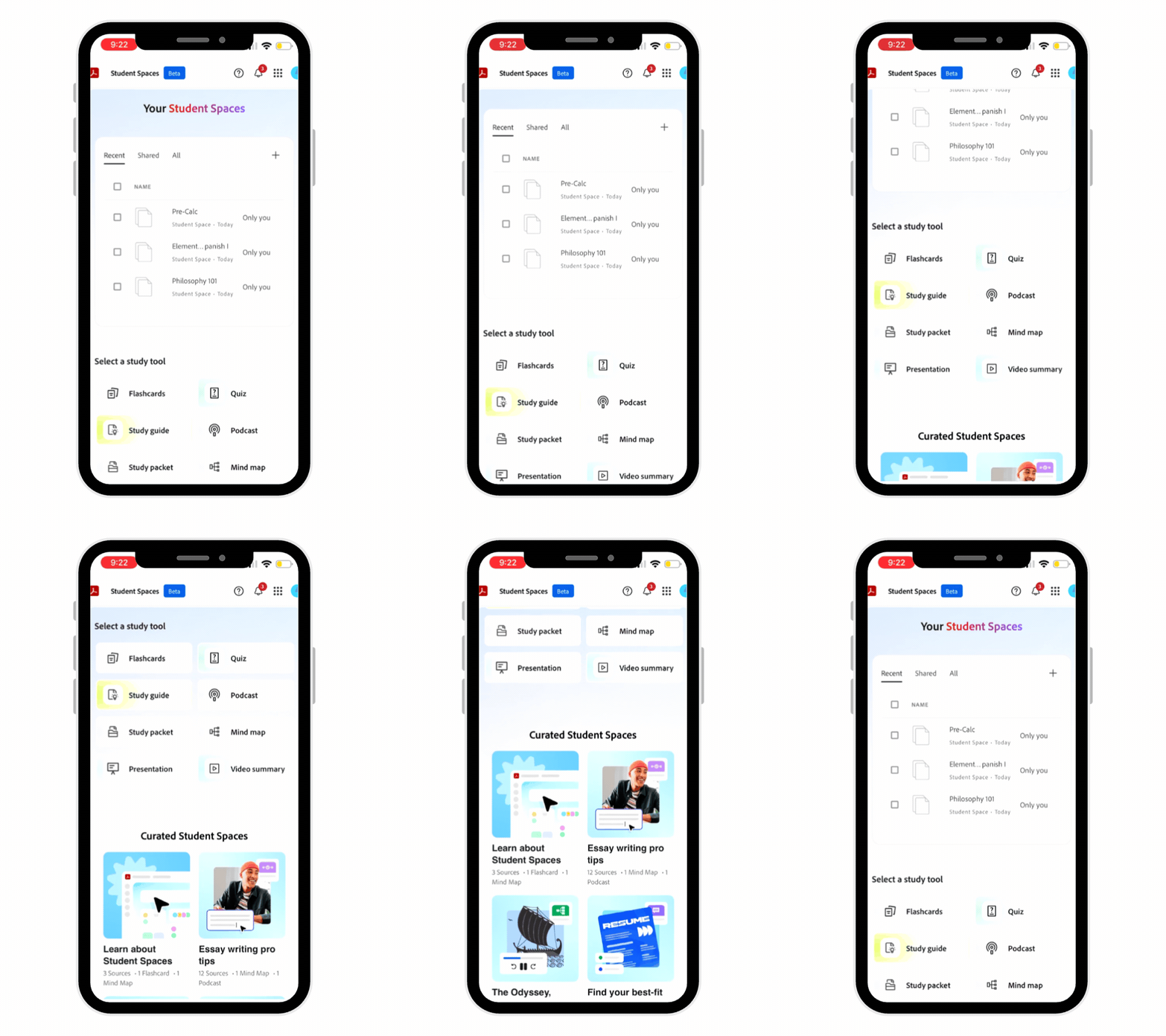 Adobe Acrobat Student Spaces
A free study organization app that transforms your existing notes, slides, and readings into flashcards, quizzes, audio summaries, and personalized study plans—all in one place.
Shop now
How to set it up (it takes, like, five minutes)
Don’t worry, you don’t need a whole system overhaul or know how to code to get it going. Just create a space for each class (or test—or whatever works best for you) and start dropping in whatever materials you already have*. That could look like:
- Your Biology notes from Google Docs
- A Philosophy lecture transcript you downloaded
- PDFs from your Art History readings
- A link to an article your TA shared
*It accepts files in PDF, DOCX, PPTX, TXT, RTF, XLS, VTT formats, and up to 100 files!
Suddenly, instead of one giant, chaotic pile, you have three clean, organized spaces for each class. And if you do this early (or even mid-semester), everything is already sitting there waiting for you when finals roll around—no chaotic scrambling or digging through old docs with tears in your eyes (like I said, I’ve lived it myself).
The features that do the heavy lifting
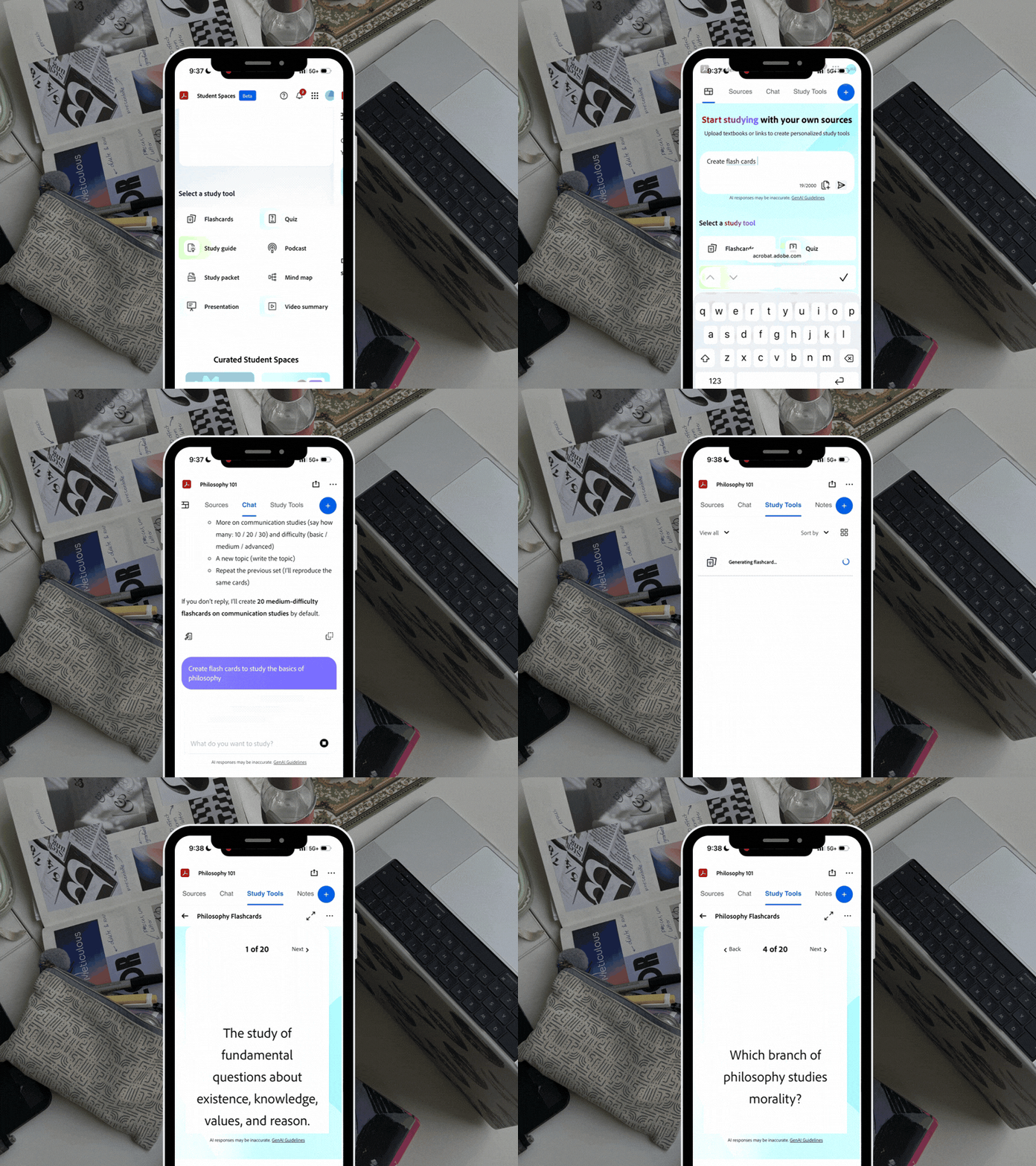
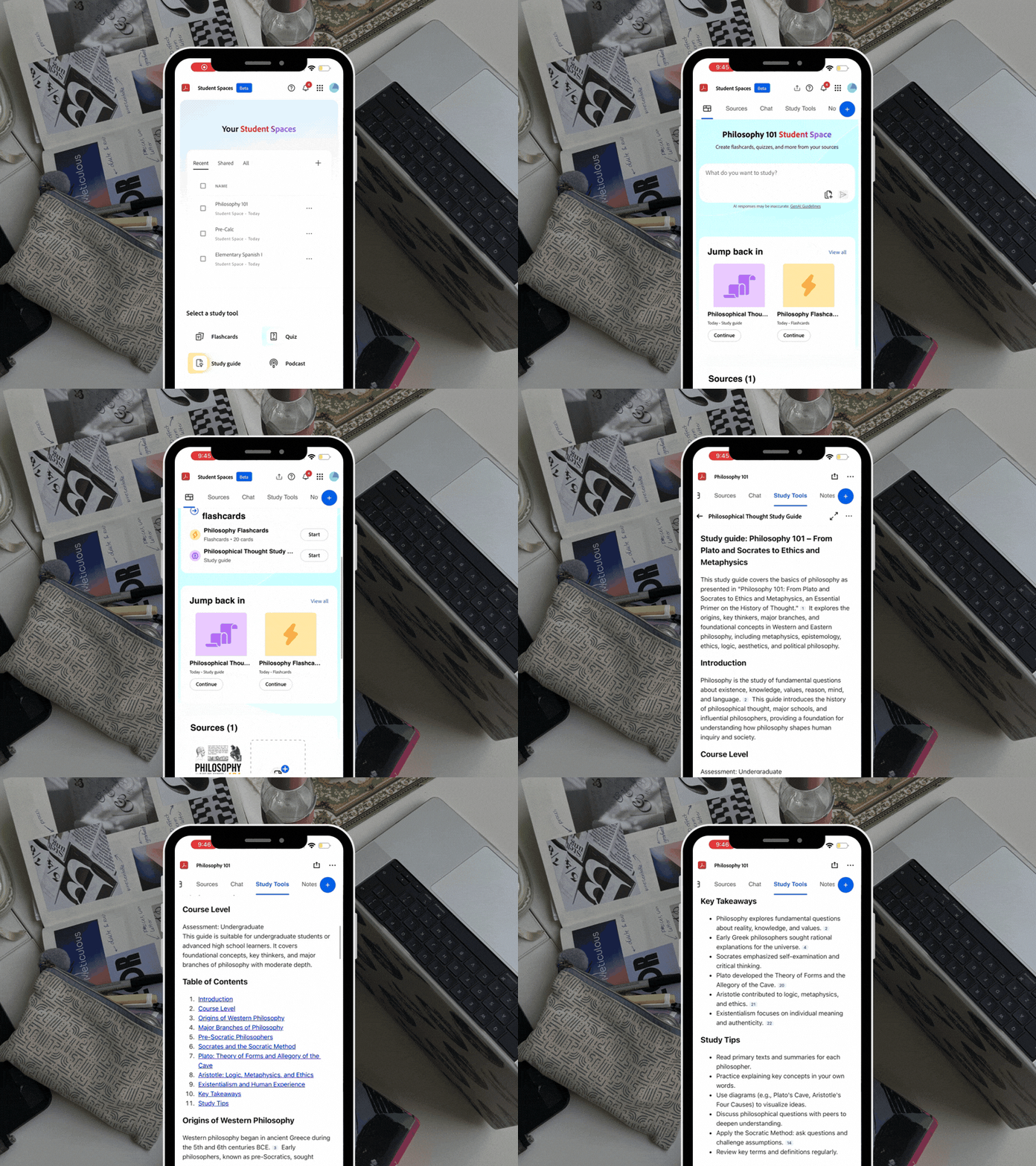
- Auto-generated flashcards and study guides: Upload your notes (even if they’re crazy to look at), and they’re turned into clean, structured materials you can review without rewriting everything from scratch.
- Quiz feature that checks what you actually know: It surfaces the gaps between what feels familiar and what you truly understand so you can focus your time where it matters most.
- Podcast-style audio summaries: Your materials get turned into audio you can listen to on the go, perfect for walks, commutes, or when sitting still just isn’t working.
- Mind maps for visual learners: See how concepts connect instead of just reading them line by line, which makes it easier to understand bigger-picture ideas.
How to take decision fatigue off the table
Hear me out: the study packet feature might be my fave part (AKA, the one that would’ve saved a scary number of wasted hours in the library). For anyone who’s ever spent 45 minutes making a color-coded schedule instead of opening a single textbook, this is for you.
With the Study Packet feature, you plug in your materials and your exam date—and it builds a day-by-day study plan for you. Like, an actual plan you can follow without overthinking it. Which means you can stop spending your energy figuring out what to study and start actually studying.
TL;DR: Is it actually worth using?
Yes. And not because it’s another productivity app that sounds good in theory, but because it removes the exact friction that keeps most students stuck in the first place. It helps you organize your materials, create a schedule, and makes studying feel way less overwhelming. It’s free, it’s easy to set up, and it’s here right when you need it—right before finals. If you’re going to try it, try it before the chaos hits. Your future self will be very grateful.
Build your Student Spaces!